SaintSal™ Chrome Extension
Download & Installation
Enterprise-grade web scraping, AI-powered lead enrichment, and SaintSal AI agent - all in your browser.
Checking access...
What's Included
Web Scraping
Extract contact info from any website instantly
AI Agent
SaintSal AI with page context and memory
Card Sharing
Share your SaintCard with one click
Lead Enrichment
Apollo, Kernel, Tavily API integration
Installation Instructions
Download the Extension
Click the download button above. The SaintSal-Extension.zip file will be saved to your Downloads folder.

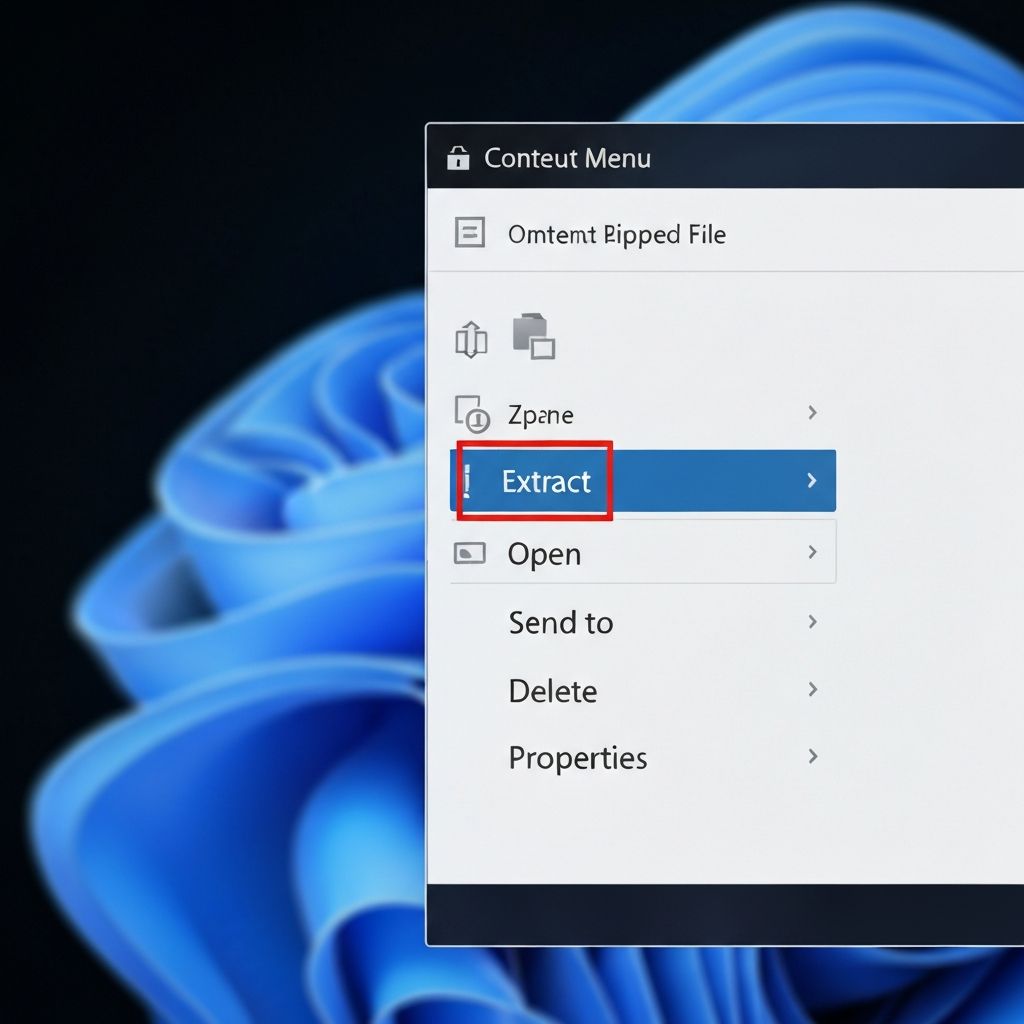
Extract the ZIP File
Right-click the downloaded ZIP file and select "Extract All" or use your preferred extraction tool.
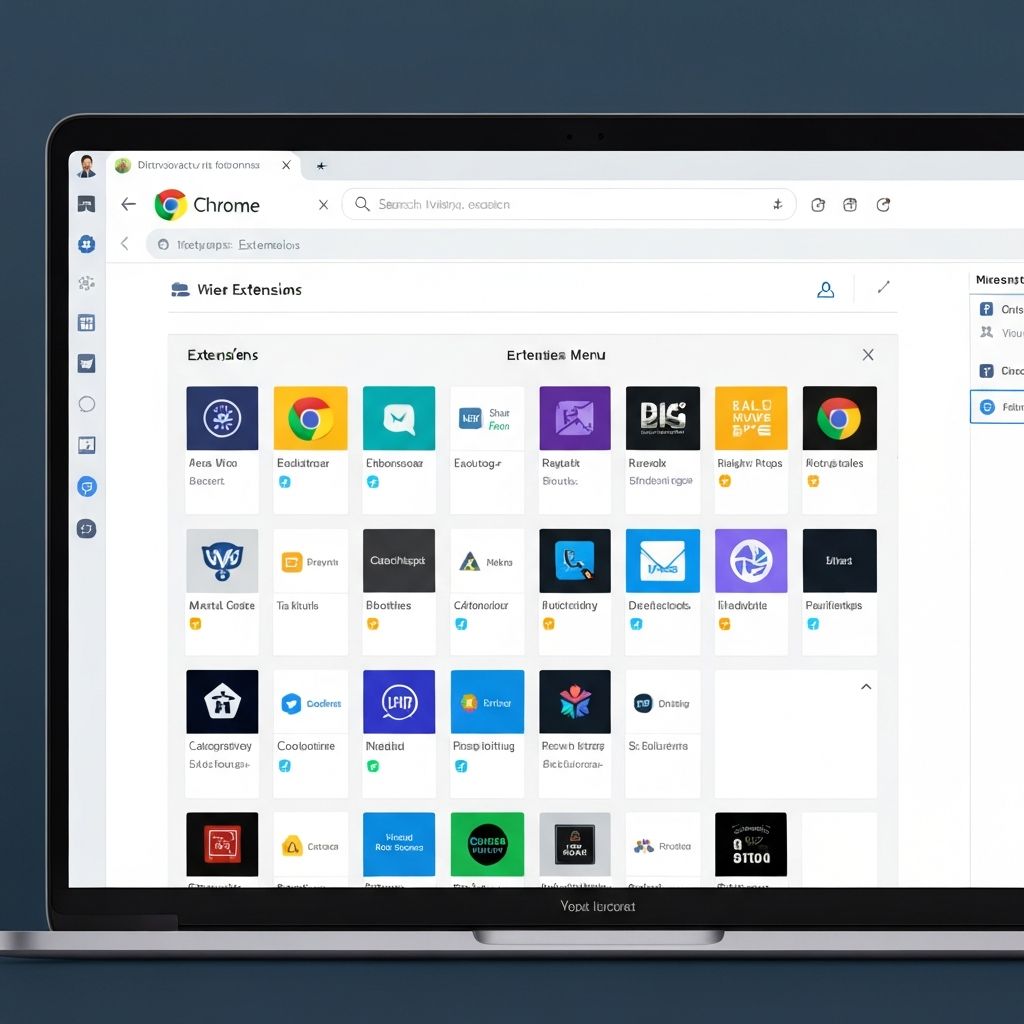
Open Chrome Extensions
Open Google Chrome, click the three dots menu (⋮) in the top-right, go to "More Tools" → "Extensions".
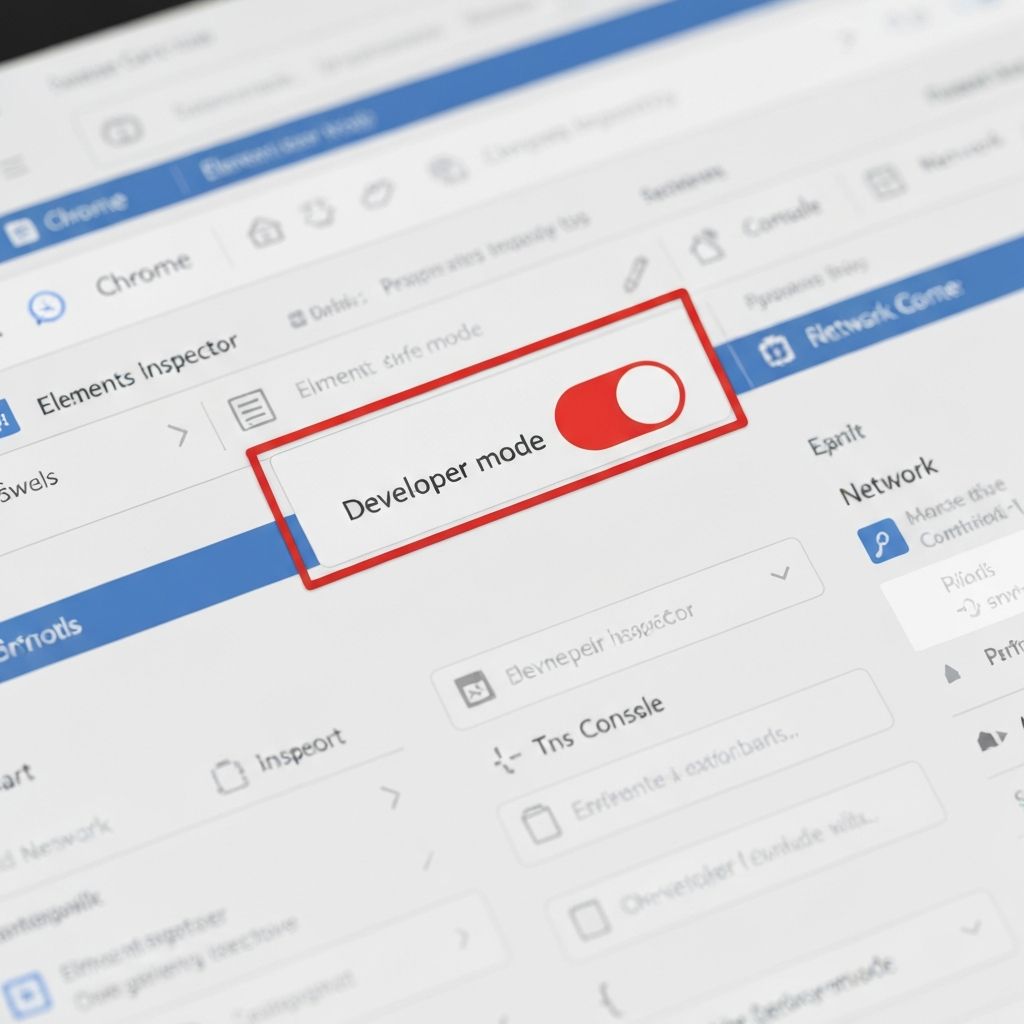
Enable Developer Mode
Toggle "Developer mode" ON in the top-right corner of the Extensions page.
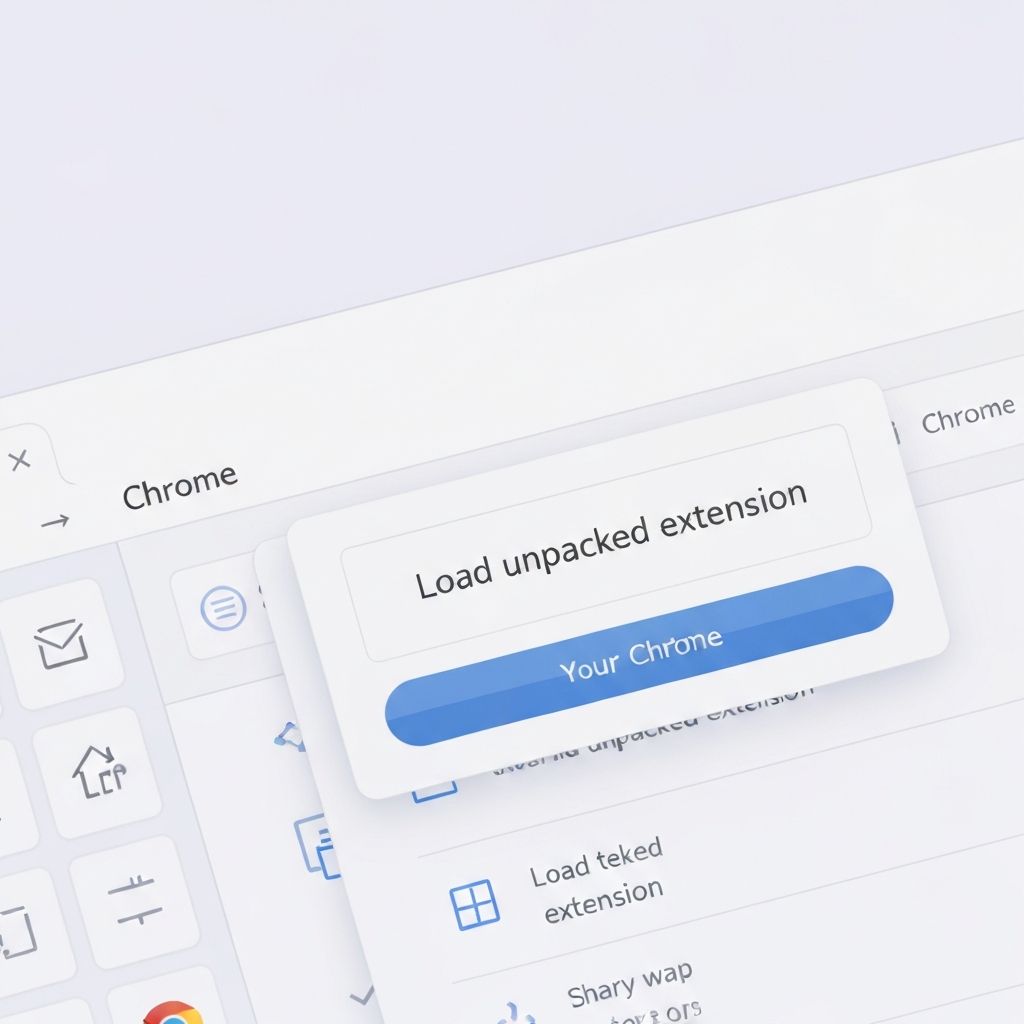
Load Unpacked Extension
Click "Load unpacked" button, navigate to the extracted folder, and select it.
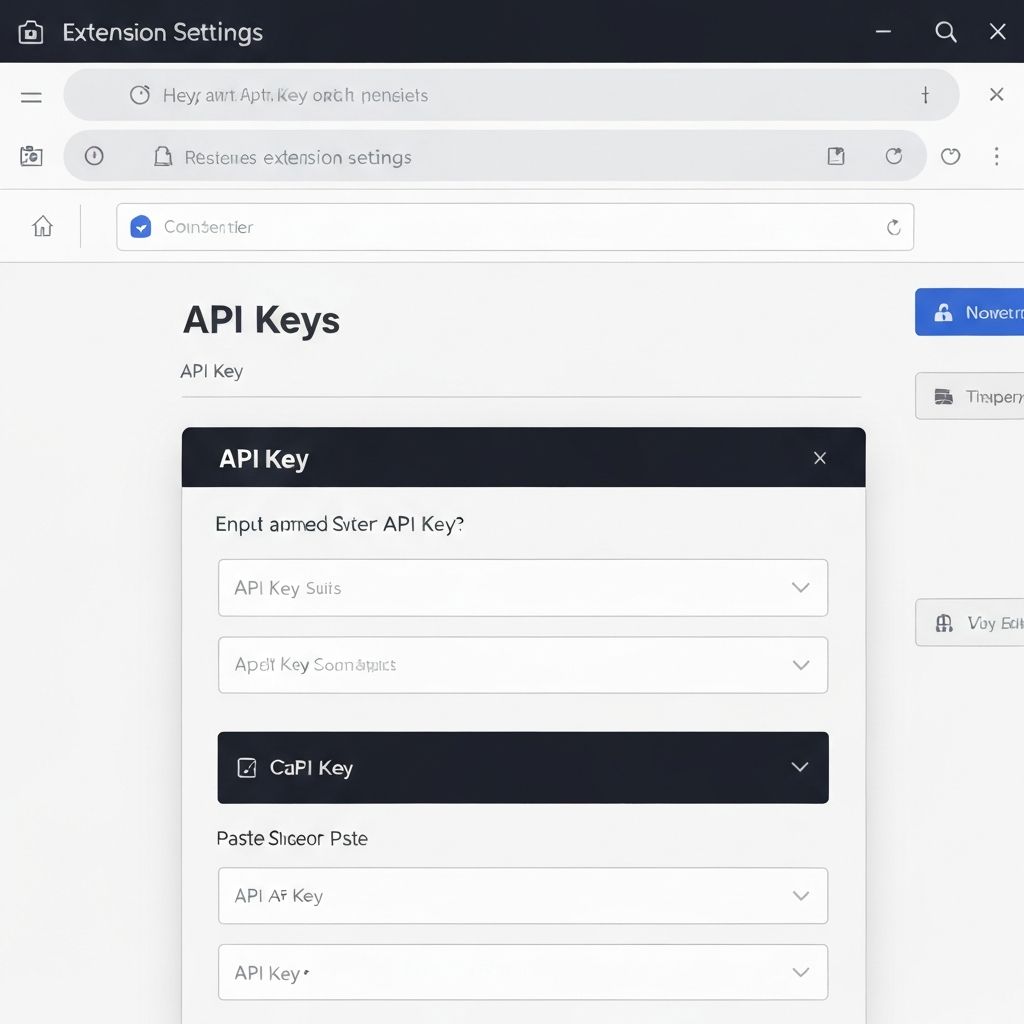
Configure Your API Keys
Click the SaintSal extension icon, go to Settings, and add your API keys for full functionality.
See It In Action
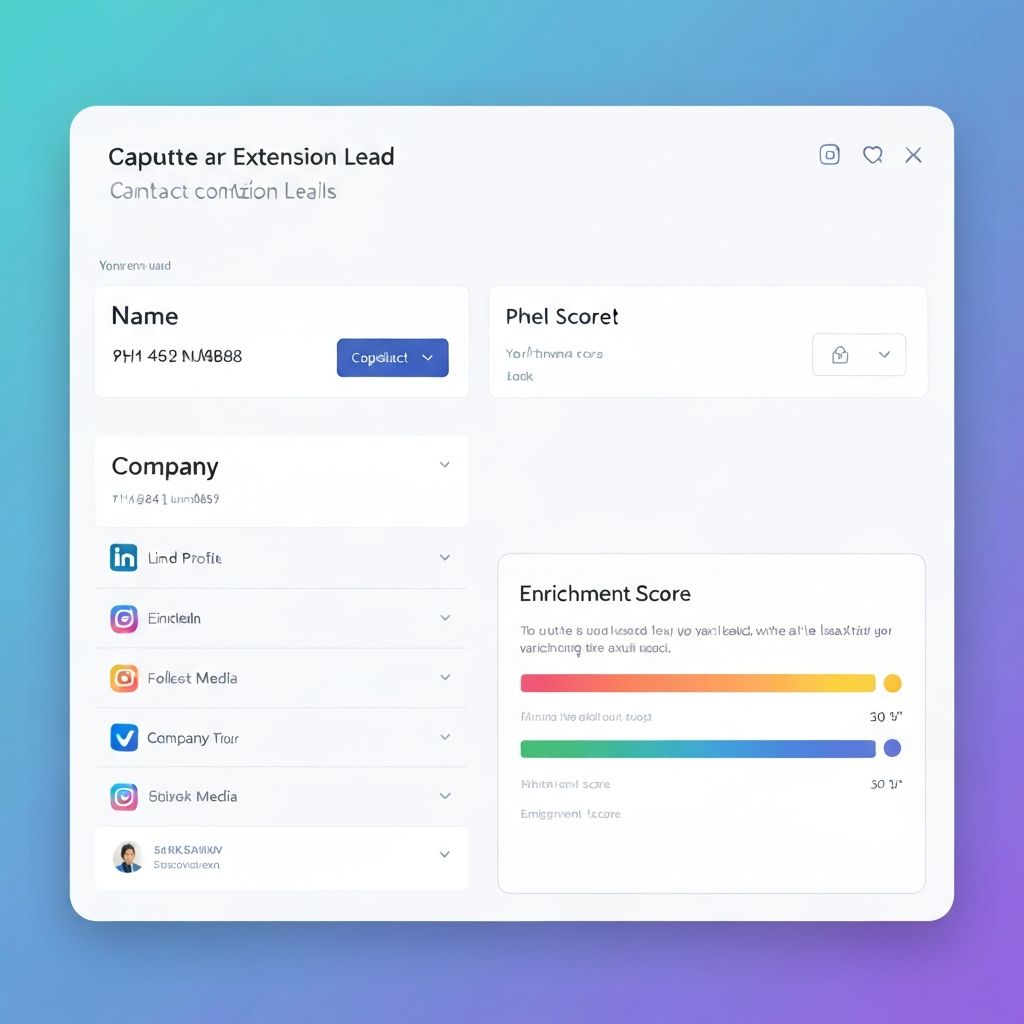
Enterprise Lead Capture
Automatically extract contact information with AI-powered enrichment from Apollo, Kernel, and Tavily APIs.

SaintSal AI Agent
Chat with SaintSal about any webpage. Get summaries, insights, and help with session memory.
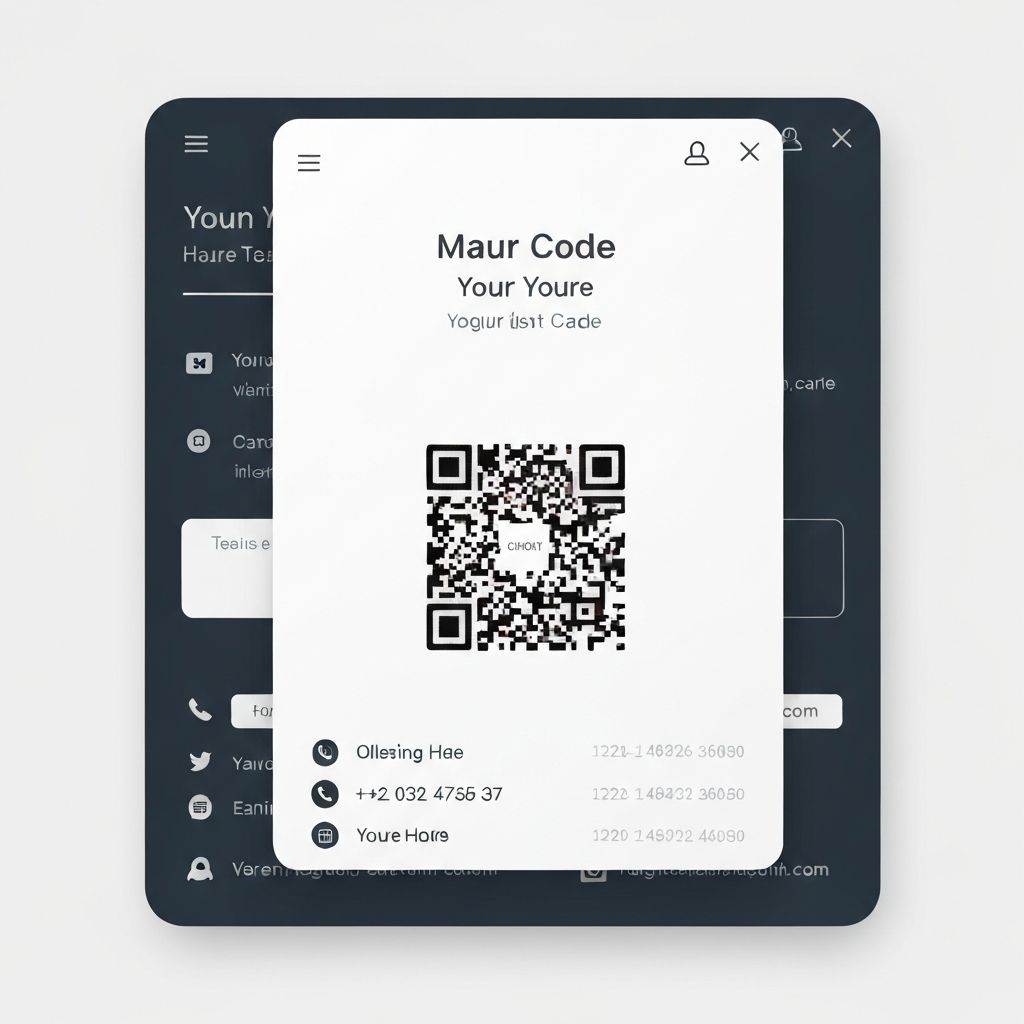
One-Click Card Sharing
Share your SaintCard instantly on any website with QR code generation and direct link copying.
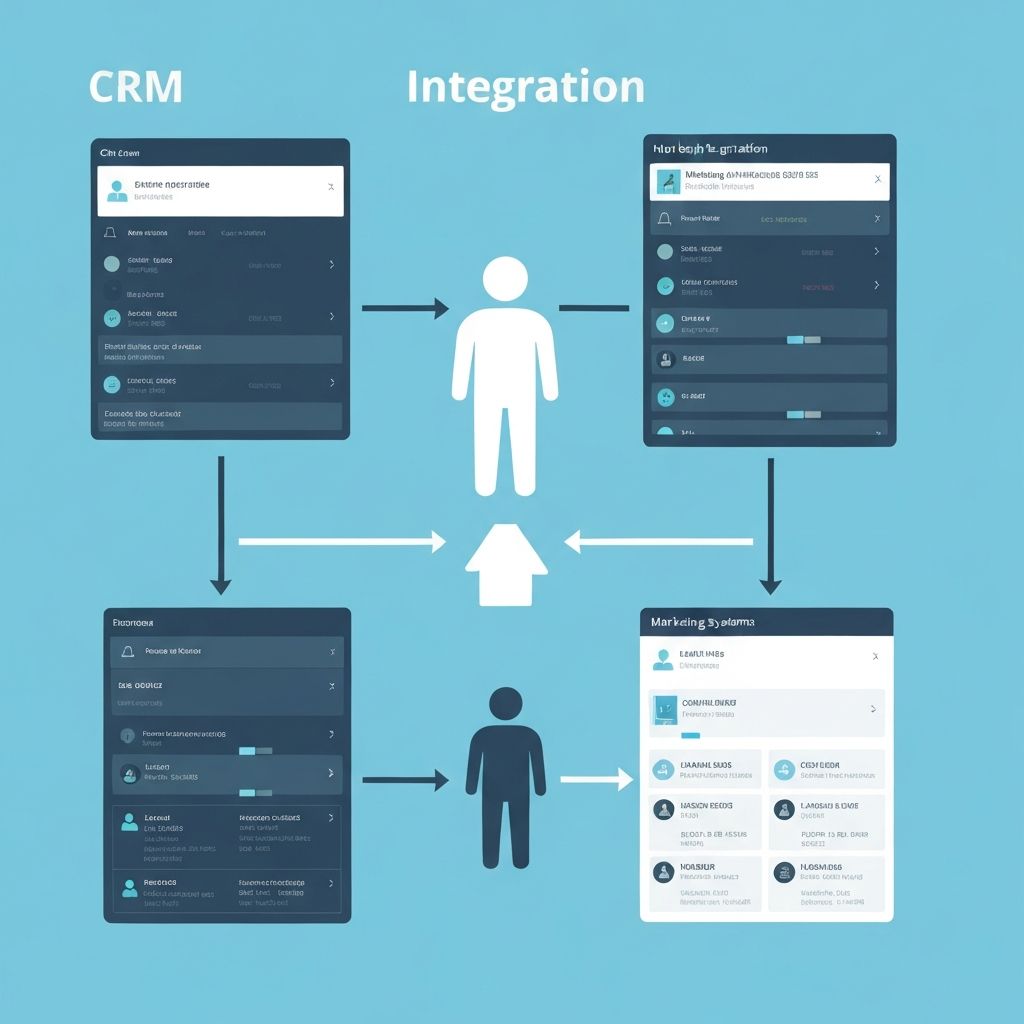
Auto-Save to CRM
Captured leads automatically save to GoHighLevel CRM with full enriched data and quality scores.
Troubleshooting
Extension not showing up?
Make sure Developer Mode is enabled and you selected the extracted folder (not the ZIP file). Click the puzzle icon in Chrome toolbar and pin SaintSal.
API features not working?
Go to extension Settings and add your API keys. All environment variables are pre-configured, you just need to ensure they're accessible.
Lead capture not finding data?
The extension works best on LinkedIn, Apollo, ZoomInfo, and company websites. Make sure you're on a page with visible contact information.
How do I update the extension?
Download the latest version from this page, remove the old extension from chrome://extensions, and install the new version using the same steps.